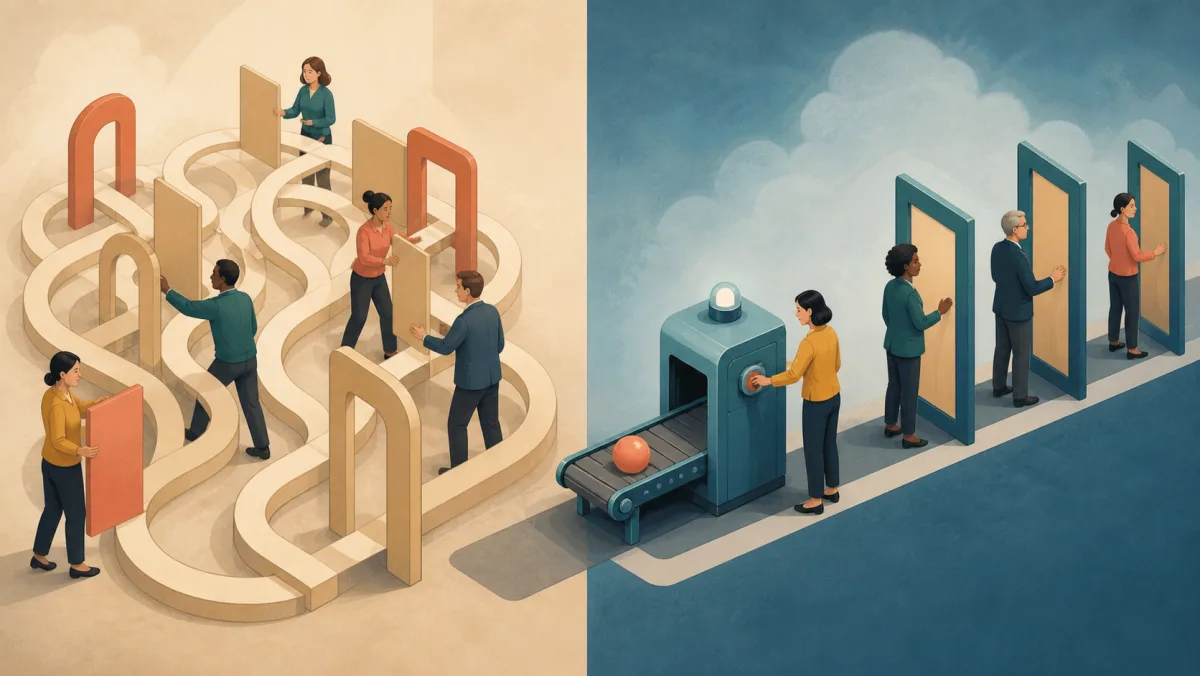
"A tool now sends approval notices, but the full process remains slow."
This sentence is not a conflict; it can be an accurate report of what happened. Automation and streamlining are distinct but compatible claims.
Use automate when technology runs a task or part of a task. People may still review the result or handle rare cases. Use streamline when a change removes friction, such as repeat work, unclear ownership, or extra approvals. Technology may or may not be part of that change.
Quick check
How well do you know "Streamline"?
You know "Streamline" well.
Keep going with the full learning path — more workplace contexts, related expressions, and practice using it yourself with feedback.
Continue with "Streamline" →There's more to "Streamline" than it seems.
You've got part of it, but the full learning path goes deeper into its nuances, workplace contexts, and when it sounds natural — then gives you practice using it yourself.
Learn "Streamline" in depth →Automating a bad process doesn't streamline it
Automation can help make a process simpler or faster. Yet it does not prove that the process was streamlined. A poor approval chain can still have too many steps after a tool takes over some work.
"A tool now sends approval notices, but requests still pass through four sign-offs, so the process remains slow." (automation without streamlining)
The tool now sends the notices. All four sign-offs remain. The team should not claim that it removed those approval steps. It only has evidence that notice work was automated.
Streamlining without any new technology
The reverse is also possible. A team can streamline work without adding new technology.
"We streamlined the report by cutting three repeat fields after users confirmed they did not need them -- no new tool was involved."
Removing unneeded fields can reduce work for the people who fill out the form. Ask those users first and check the result after the change. This is streamlining without automation.
Try it yourself
Use "Streamline" yourself
When both are true
A project can support both claims.
"We automated the weekly data pull, so the tool now gathers the numbers; an analyst still checks the report." (a tool now runs one manual task)
If the project also removes fields that users confirmed they do not need, it may streamline the report. Track time, errors, or user feedback to support that claim. Name both changes and credit the people who designed, tested, and reviewed them.
The mistake to avoid
A common error is to call every automation project a streamlining project. Ask what the evidence shows. If a tool runs work that a person did before, automate may fit. If the team removed steps, approvals, or handoffs, streamline may fit. The honest update may be "we automated one task, but the full process is not streamlined yet." This sets clear limits on the result.
Practice scenarios
Practice choosing between streamline and automate in cases like these:
- reporting on a new tool that did not reduce the number of approval steps
- describing an approved process change that removed a step without new technology
- showing a stakeholder why "we automated it" is not proof that "it's faster now"
Try these phrases:
- "We automated [task], but the process still has [N] steps -- it is not streamlined yet."
- "We streamlined [process] by removing [specific friction] -- no new tool was needed."
- "The evidence supports both claims: we automated the data pull and removed two approved steps."
Want to actually use "Streamline" naturally at work?
Understanding it is one thing. Practice its nuances, see how it works in real workplace situations, and use it yourself with feedback.
Start the "Streamline" learning path →A tool running part of a slow process does not prove that the whole process is faster.
Ask what changed, who authorized it, and what result the evidence supports.