
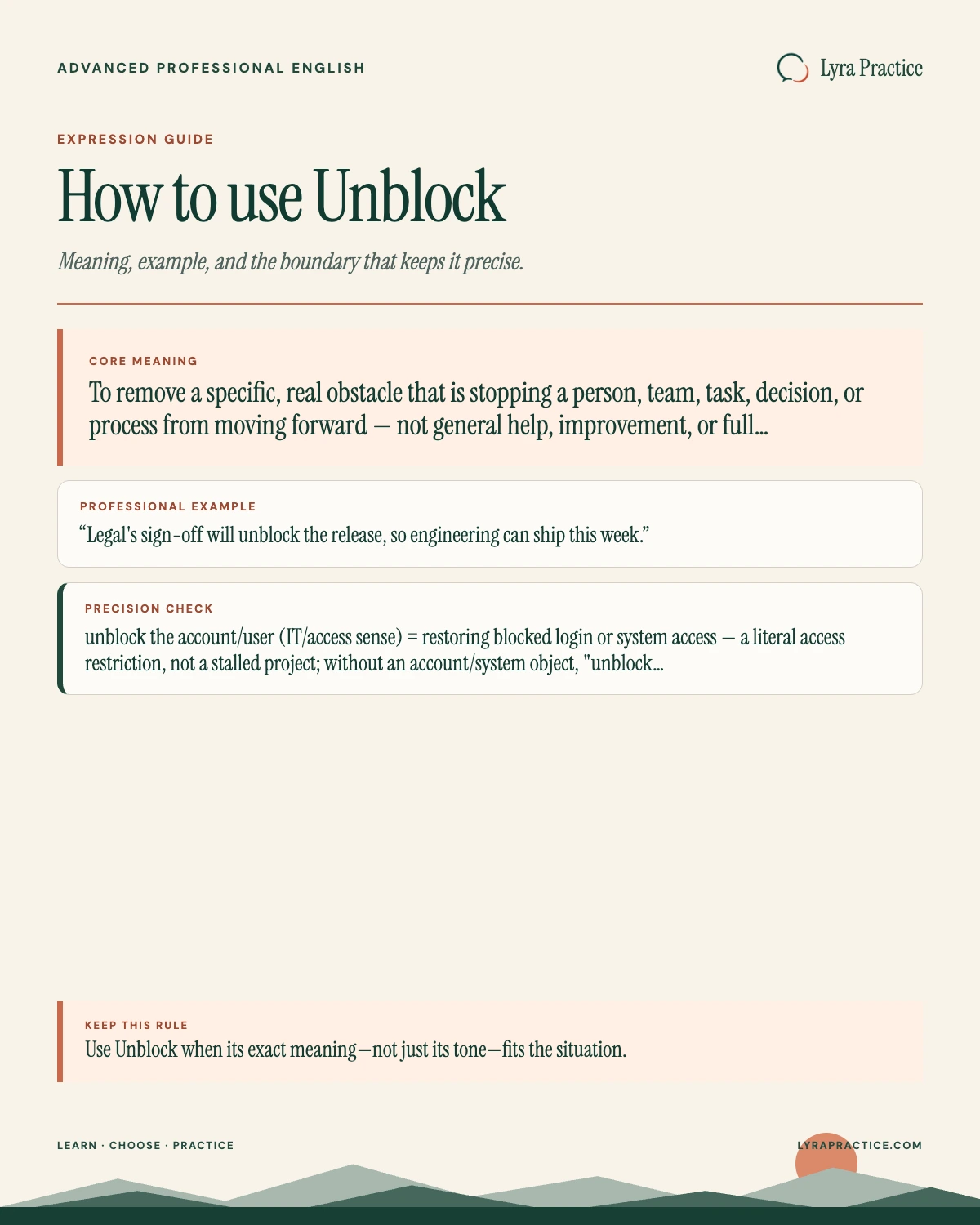
To "unblock" work is to remove a condition that prevents progress. It does not mean making a minor task easier or solving every remaining problem. Name the blocked object, identify the stopping condition, and report only the progress the action enables.
Quick check
Repair the status update
You know "Unblock" well.
Keep going with the full learning path — more workplace contexts, related expressions, and practice using it yourself with feedback.
Continue with "Unblock" →There's more to "Unblock" than it seems.
You've got part of it, but the full learning path goes deeper into its nuances, workplace contexts, and when it sounds natural — then gives you practice using it yourself.
Learn "Unblock" in depth →Mistake 1: leaving out the object
In workplace use, "unblock" normally needs a person, team, task, project, or workflow after it.
Vague: "Could security unblock by noon?"
Clear: "Could security unblock the device enrollment test by noon?"
The second sentence names the work that cannot proceed.
Mistake 2: using it for minor friction
A blocker stops progress. A slow or annoying step that still allows work to continue is friction, delay, or overhead.
Wrong scale: "A long dropdown is blocking the report, but analysts can still submit it."
Accurate: "The long dropdown adds friction to report submission."
Try it yourself
Turn blame into a precise launch update
Mistake 3: claiming the whole problem is solved
Removing one blocker may only allow the next stage to begin. Do not use "unblocked" as proof that the project is finished.
Overclaim: "The data access is fixed, so the migration is fully solved."
Accurate: "Restoring data access unblocked the migration test. Validation still remains."
Mistake 4: confusing unblocking with approval
An approval can remove a blocker, but "unblock" does not itself mean approve or greenlight. State the decision when formal authorization matters.
Unclear: "Legal unblocked the campaign."
Clear: "Legal approved the campaign copy, which unblocked scheduling."
The revision separates the formal decision from the work it enables.
Mistake 5: making the request accusatory
"You are blocking us" labels a person as the problem. Name the missing input or decision instead.
Accusatory: "Finance is blocking the rebate test."
Specific: "The rebate test is blocked pending the tax-code mapping from finance."
Put the corrections together
Suppose a field test cannot start until a device list is approved. "Please unblock" omits the affected work. "Security is blocking us" turns a condition into blame. A precise request is: "Could security confirm the approved device list today? That would unblock enrollment testing." After confirmation, the team can say testing is unblocked, but it should not claim the entire rollout is complete.
The object can be a person or a task, but the sentence should still name the dependency. "This access will unblock Dana" is grammatical. "This access will unblock Dana's enrollment test" gives a clearer operational target. Use the person form when context already makes the blocked work obvious; otherwise name the work directly.
Use "by" before an action and "with" before a resource that removes the blocker.
A quick edit before you send
Underline the task or team after "unblock." Name the condition that truly stops progress. Separate approval from its effect, and separate renewed progress from final completion. Replace person labels with process facts.
Practice scenarios
- request a device list needed for enrollment testing
- distinguish a stopping condition from minor friction
- report an approval and the work it enables separately
Want to actually use "Unblock" naturally at work?
Understanding it is one thing. Practice its nuances, see how it works in real workplace situations, and use it yourself with feedback.
Start the "Unblock" learning path →